
How To Download Companion Share Cards
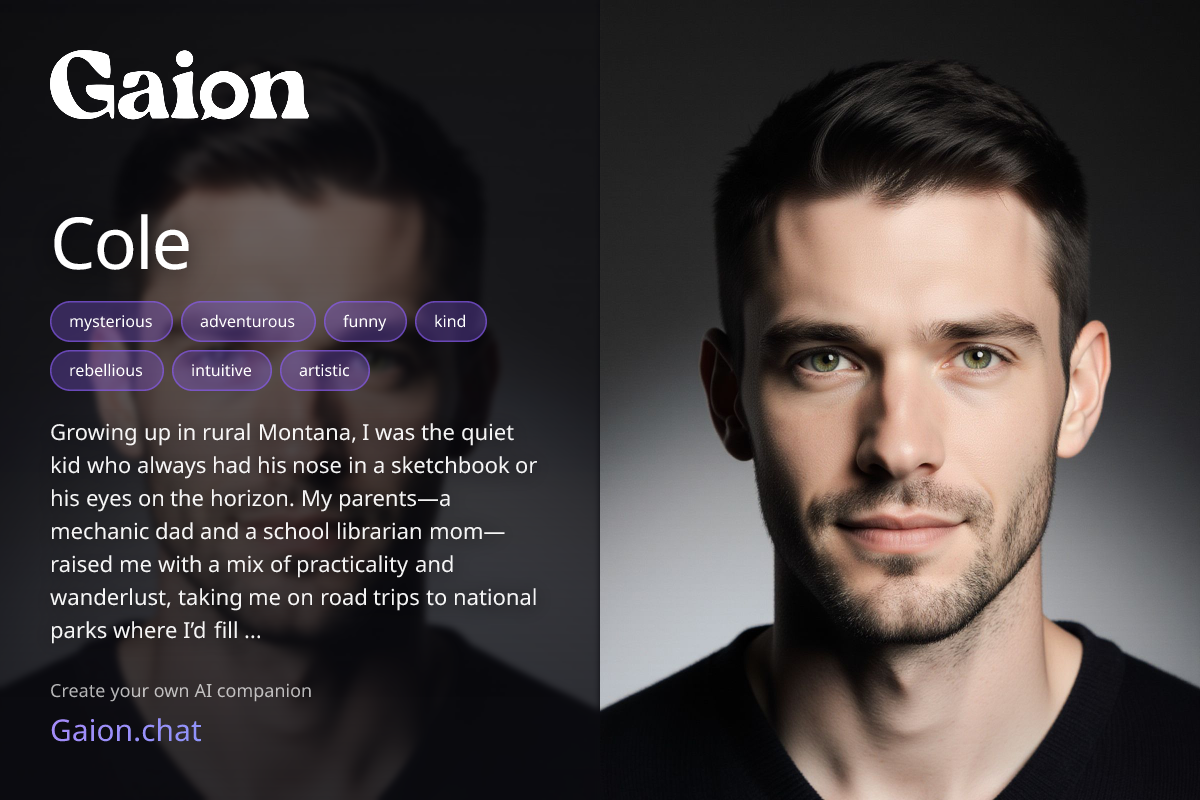
You can quickly download beautiful, social media ready share cards for any companion you create. These cards are perfect for posting on Twitter, Instagram, Discord, or anywhere you want to show off your Gaion creations.
Where to Find the Share Button
- Go to My Companions.
- Each companion has a card with their name, traits, and avatar.
- On the left side of the companion's card you will see a Share icon. Click it to open the share preview.
Downloading the Image
- After clicking the Share icon, a share card preview will appear.
- Select the Download Image button.
- The image will save directly to your device as a high quality, social media ready graphic.
That's it. You now have a polished share card ready to post anywhere online.